

Why is my Printer NOT recognising the new Ink or Toner Cartridge?
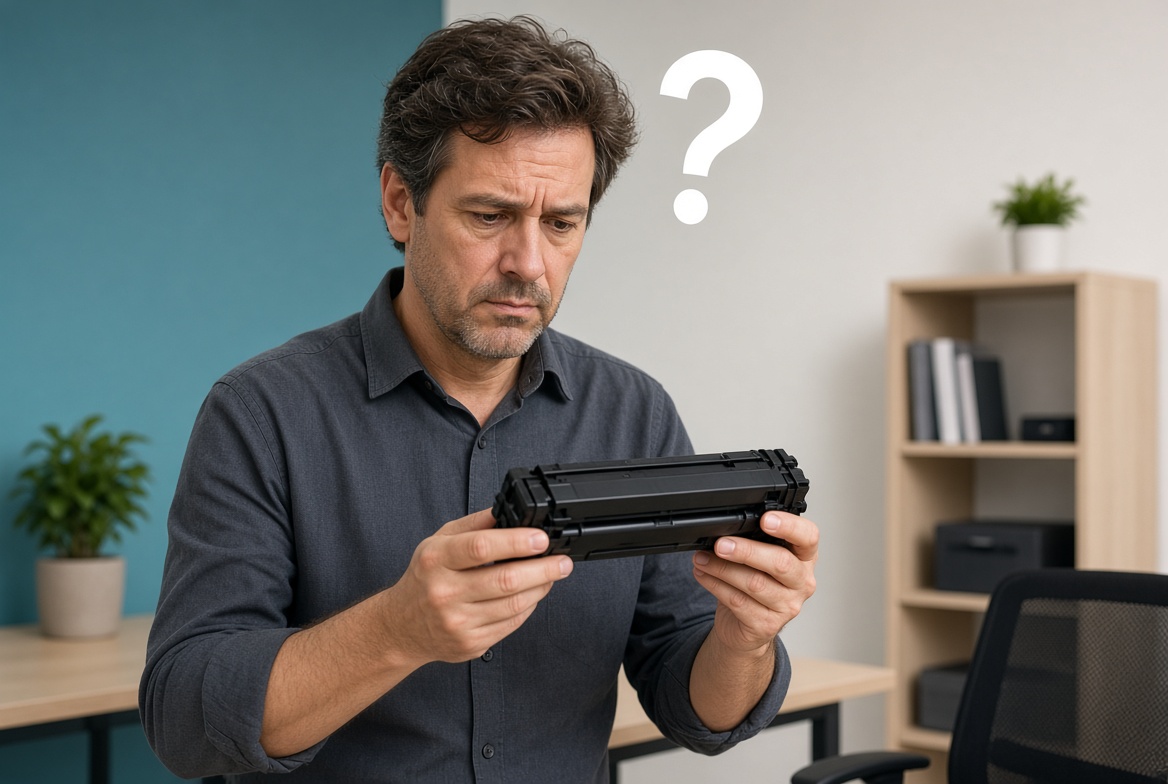
Why Is My Printer Not Recognising the New Ink or Toner Cartridge?
Why is my printer not recognising the new ink or toner cartridge? Most of the time it is a simple seating, contact, or chip issue — not a broken printer. Quality cartridges from Toner Corporation are made to be recognised correctly the first time.
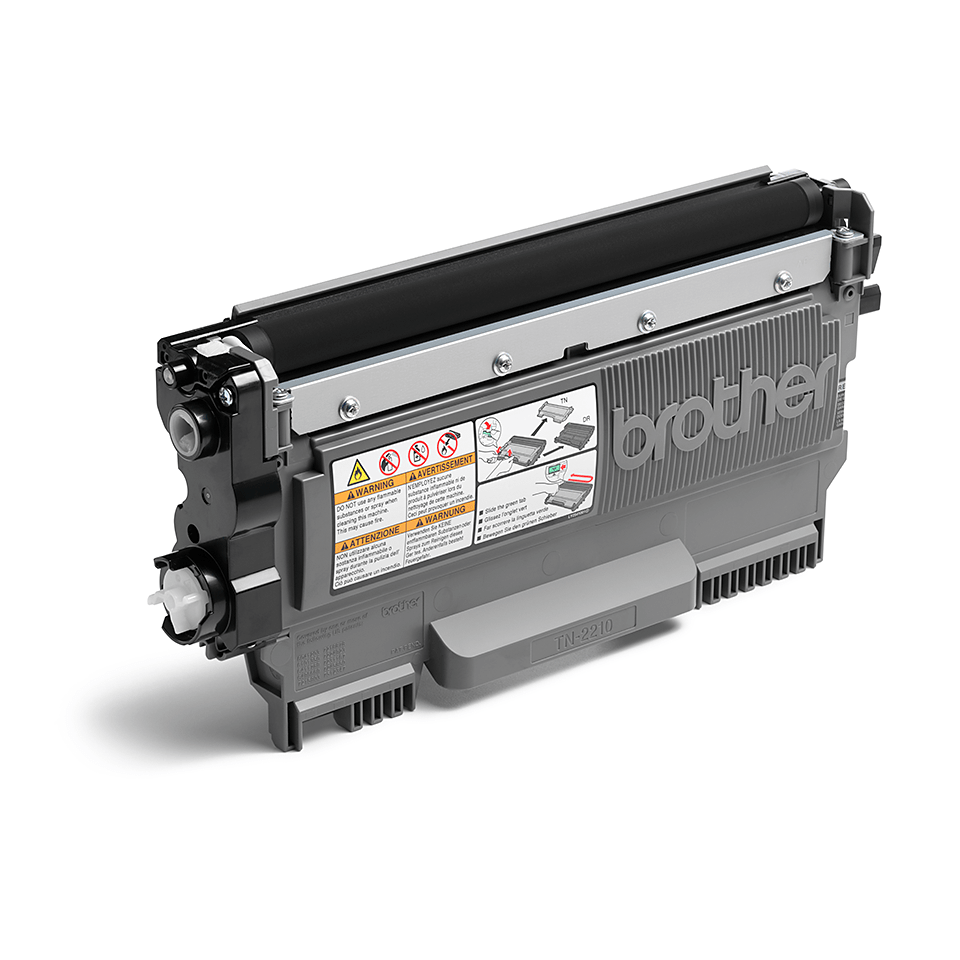
Why is my printer not recognising the new cartridge?
When a printer says “cartridge not recognised”, “install cartridge”, or shows a red light after you put in a new ink or toner cartridge, it usually means the printer cannot read the chip on the cartridge. This does not always mean the cartridge is faulty.
Common reasons include:
- Protective tape or plastic still covering the contacts or chip
- Cartridge not seated fully or locked in place
- Dirty or bent contacts on the cartridge or inside the printer
- Wrong cartridge model for that printer
- Temporary software or firmware glitch
- Chip that needs a moment to initialise after installation
Simple fixes that solve most cases
- Turn the printer off, unplug it for 60 seconds, then turn it back on.
- Remove the new cartridge and check for any remaining protective tape or plastic on the contacts or chip.
- Gently wipe the copper contacts with a clean, dry cloth or cotton swab.
- Reinstall the cartridge firmly until it clicks or locks into place.
- If you have more than one cartridge, try installing them one at a time.
- Restart the printer again and check the status.
These steps fix the majority of “not recognising” messages, whether you are using original or quality generic cartridges.
When the cartridge itself is the issue
If the printer still does not recognise the cartridge after the steps above, the chip may be damaged or the cartridge may be the wrong model. Always match the exact part number for your printer. Quality generic cartridges from a reputable supplier are engineered with compatible chips so the printer recognises them properly.
Toner Corporation tests its cartridges for recognition and print quality. If you ever have an issue, we stand behind our products with a money-back guarantee.
Prevent recognition problems next time
- Buy the exact model number for your printer
- Remove all protective tape before inserting
- Handle cartridges by the sides — avoid touching the chip or contacts
- Store spare cartridges in a cool, dry place
- Choose a supplier that tests for compatibility (like Toner Corporation)
Need a cartridge that your printer will recognise?
Visit tonercorp.co.za or go straight to the shop for quality ink and toner cartridges that install and are recognised correctly. Nationwide delivery.
Questions: sales@tonercorp.co.za · 010 013 1736 · WhatsApp 071 876 7850
Toner Corporation — The office printing company.